
Text Animation Apps Compared: Best Free & Paid Tools
The best text animation apps in 2026 are CapCut, Canva and Adobe Express for most people, Mojo for phone-first Stories and Reels, Kapwing for animated captions in the browser, Jitter for designers working from Figma, Animaker for template-led animated videos and Adobe After Effects for full control. All except After Effects have a free plan. Pick CapCut for text inside a video edit, Canva or Adobe Express for branded social graphics, and After Effects when the text animation has to be custom.
Below we compare eight apps side by side, including pricing, platforms and what each is best at, then cover what happened to the older apps on this list and when it’s worth hiring a studio instead.
Text animation apps compared
| App | Platforms | Free plan | Paid plan (US list price) | Best for |
| Adobe Express | Web, iOS, Android | Yes | Premium $9.99/month or $99.99/year (App Store) | Branded social graphics and short videos with animated text |
| Canva | Web, desktop, iOS, Android | Yes | Canva Pro (price varies by country; see canva.com/pricing) | Teams that already design in Canva |
| CapCut | Web, desktop, iOS, Android | Yes | Pro listed at USD 19.99 (reference price; final price at sign-in) | Video editing, text effects and captions |
| Mojo | iOS, Android | Yes (with watermark) | Mojo Pro and Pro AI (in-app subscriptions) | Animated story and Reels templates |
| Kapwing | Web | Yes | Pro listed at $16/month | Animated captions and subtitles in the browser |
| Jitter | Web | Yes (watermarked) | Pro and Max, priced per editor | Designers animating Figma layouts and UI text |
| Animaker | Web | Yes (watermarked) | Paid plans remove the watermark | Template-led animated explainers with text |
| After Effects | Windows, macOS | No | Creative Cloud subscription | Custom kinetic typography and title design |
Prices and plans checked on each app’s own pricing page or app store listing in November 2026. Prices change often and can vary by country, so confirm before you buy.
Text animation features at a glance
| App | Example text animations | Stand-out feature | Export |
| Adobe Express | Typewriter, Flicker, Dynamic, Colour Shuffle, Slide, Grow | Animates curved text; animated captions on a video timeline | MP4 video (convert to GIF with Adobe’s free converter) |
| Canva | Pop, Fade, Pan, Tumble, Typewriter, Flicker | Draw your own motion path and set the speed | Video or GIF |
| CapCut | Text effects, animated text templates, captions | Text inside a full video edit | Video |
| Mojo | Text and subtitle effects in story templates | Template-led Stories and Reels | Video |
| Kapwing | Text enter and exit animations, auto-subtitles | Caption styling on a browser timeline | Video |
| Jitter | Presets plus custom keyframes | Imports Figma frames | Video, GIF, Lottie |
| Animaker | Text effects in animated scenes | Character and scene templates | Video |
| After Effects | Text animators, per-letter control | Full motion design control | Video and image sequences |
What is a text animation app?
A text animation app adds movement to words: titles that slide or type on, captions that pop in time with speech, or kinetic typography where the text itself is the visual. Most apps work with templates, so you pick a style, type your words and export a video or GIF.
They’re popular for social media because many people scroll with the sound off. Animated text carries the message without audio.
Here’s the kind of bold, on-screen text a short promo relies on. This 30-second teaser from our own work for Kemper uses animated headlines to carry the message with the sound off:
Adobe Express
Adobe Express is Adobe’s all-in-one design app, and the successor to Adobe Spark: Adobe says Spark “has been updated to Adobe Express”. It includes templates for social posts and short videos, text animations, brand kits and Firefly generative AI features.
- Free plan: Yes, with core templates and tools.
- Premium: $9.99 a month or $99.99 a year on the US App Store.
- Good to know: Business plans add an admin console and 1TB of cloud storage per user; full brand setup is on the web version.
Canva
Canva is a browser and app-based design platform with a large template library. You can animate text and elements in designs and export them as video or GIF.
- Free plan: Yes.
- Canva Pro: A paid plan for one person; Business and Enterprise plans are for teams. Prices vary by country, so check canva.com/pricing for yours.
- Good to know: Ideal if your brand assets already live in Canva.
CapCut
CapCut is a full video editor with a big range of text styles, animated text effects, templates and captions. It runs in the browser and on desktop and mobile.
- Free plan: Yes, with free templates and basic editing tools.
- Pro: Listed at USD 19.99 on CapCut’s pricing page, which notes that displayed pricing is for reference and the final price is shown when you sign in.
- Good to know: Best if text is part of a wider video edit, not a standalone graphic.
Mojo
Mojo is a mobile app for animated stories and Reels, built around templates with text and subtitle effects.
- Free plan: Yes, with watermarks.
- Mojo Pro / Pro AI: In-app subscriptions. Mojo’s help centre says Pro AI unlocks all templates (including AI templates), all text and subtitle effects, all editing tools, 50 monthly AI credits and removes watermarks. Pro AI is iOS-only and needs iOS 18 or later.
Kapwing
Kapwing is a browser-based video editor that’s strongest on captions. You can auto-generate subtitles, style them, and add text that animates in and out on the timeline, without installing anything.
- Free plan: Yes, with 720p export, shorter videos and limited auto-subtitling.
- Pro: Listed at $16 a month on Kapwing’s pricing page, with 4K export, brand kits and more subtitle minutes.
- Good to know: A good pick for talking-head clips and podcasts that need readable animated captions.
Jitter
Jitter is a web-based motion design tool built for designers. It imports frames from Figma, offers animation presets, and lets you keyframe text and UI elements yourself.
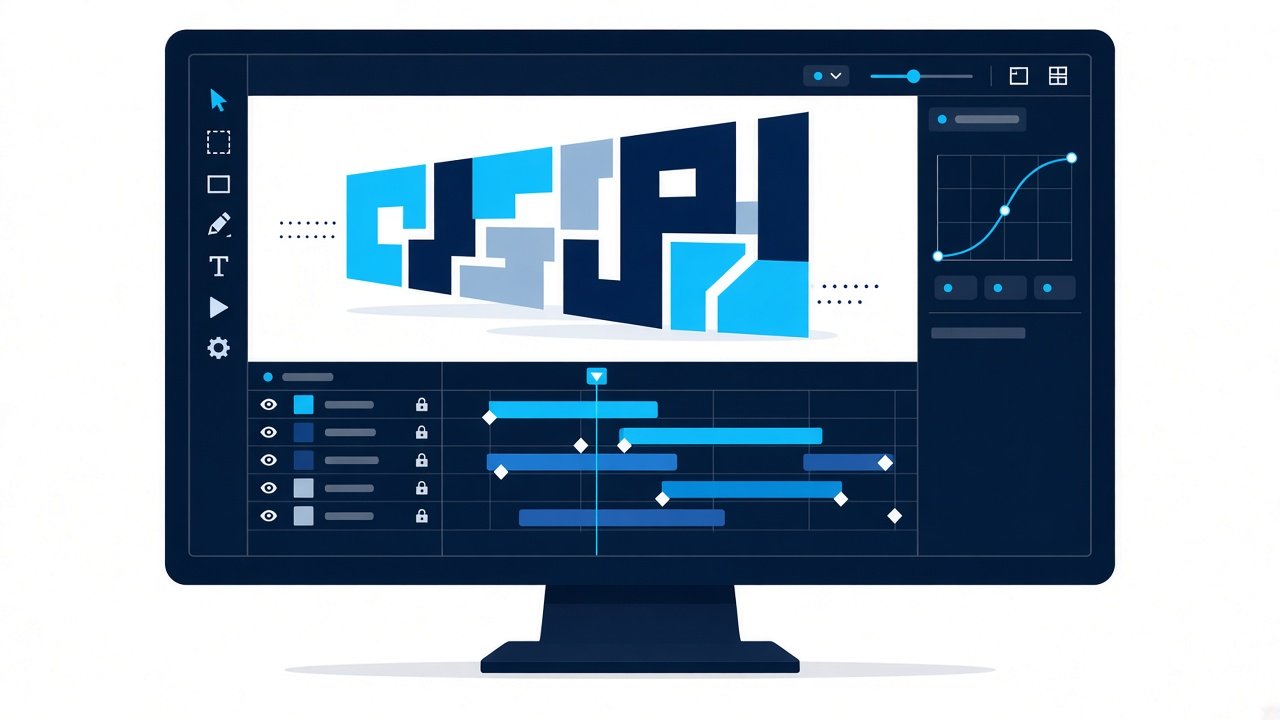
- Free plan: Yes, with unlimited drafts, 3 workspace files and 720p video, GIF or Lottie export with a watermark.
- Pro and Max: Priced per editor; they remove the watermark and add 1080p or 4K export.
- Good to know: Lottie export makes it handy for animated text on websites and in apps.
Animaker
Animaker is a browser-based tool for making animated videos from templates, characters and scenes. Text animations sit inside those scenes, so it suits simple animated explainers more than standalone kinetic type.
- Free plan: Yes, with watermarked exports.
- Paid plans: Remove the watermark and raise export quality and limits.
- Good to know: Fine for internal or low-stakes videos; the template look is easy to spot in a customer-facing launch.
Adobe After Effects
After Effects is the professional standard for motion design and the tool most studios use for kinetic typography. Text animators let you move, scale, blur or colour each letter, word or line on its own, and you can save looks as reusable templates.
- Free plan: No. It’s sold as a Creative Cloud subscription, on its own or in a bundle.
- Platforms: Windows and macOS desktop.
- Good to know: It has the steepest learning curve on this list, but nothing else gives the same control over timing and easing.
How to animate text in Canva and Adobe Express
The two most popular browser-based tools work in a similar way. In Canva:
- Open a template or a blank design and add your text.
- Select the text and click Animate.
- Pick an effect such as Pop, Fade or Typewriter, or create your own movement by dragging the text along a path.
- Download the design as a video or GIF.
In Adobe Express:
- Click Text in the left panel, then + to add your text, and set the font, colour and size.
- Select the text and choose an animation, such as Typewriter, Flicker or Slide.
- Download it as an MP4 to keep the animation. If you need a GIF, convert the MP4 with Adobe’s free MP4-to-GIF tool.
Both apps animate only what you select, so you can animate the headline and keep photos or logos still.
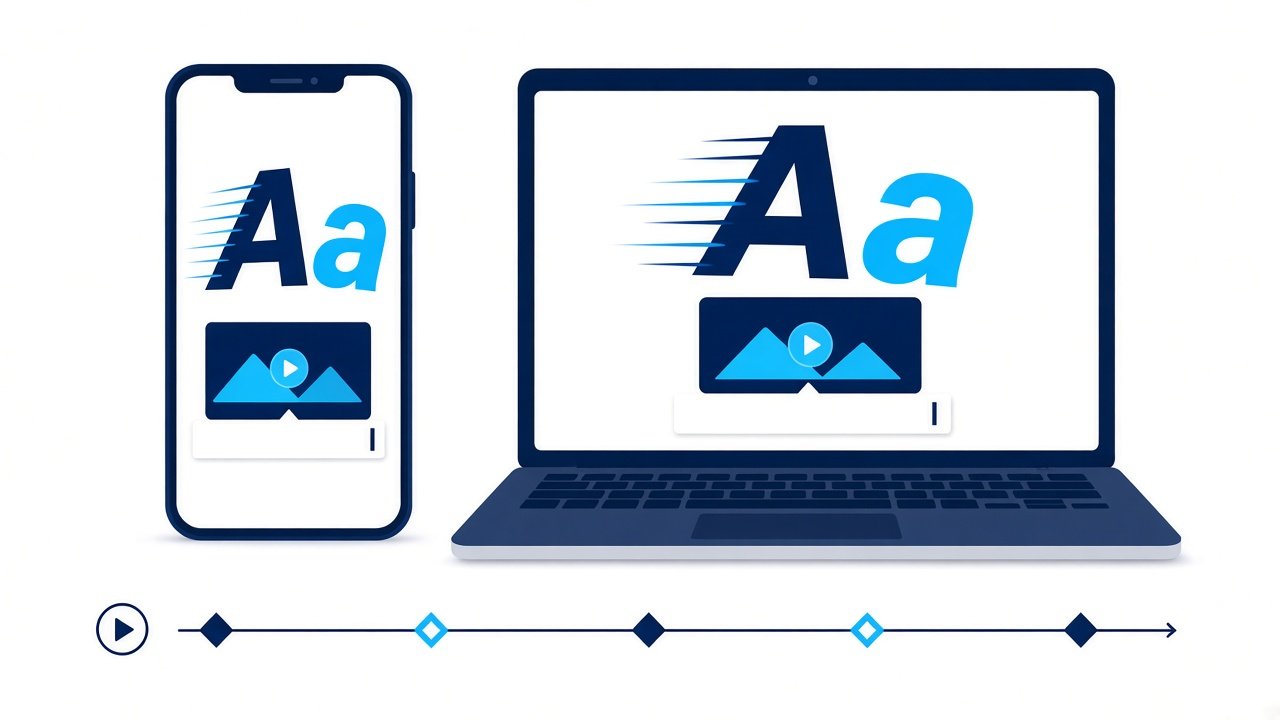
Want to see how far timed text can go? In this teaser, each headline lands on a beat of the story:
What happened to the older text animation apps?
Several apps from older “best text animation apps” lists have changed:
- Adobe Spark Post became Adobe Express.
- Hype-Type is still listed on the US App Store, now under a different publisher, with one-off in-app purchases rather than a subscription. Check recent updates and reviews before you rely on it.
- Hype Text (by cerdillac) is a popular Android app with a large library of text animation and intro templates. Its Google Play listing shows ads and in-app purchases, and its last update date is October 2021, so expect few new features.
- We’ve dropped apps we couldn’t confirm are still actively offered.
How to choose a text animation app
- Start with where you'll post. For Reels, Stories and TikTok, a mobile-first app like CapCut or Mojo is fastest.
- Check your brand needs. If you need fonts, colours and logos applied consistently, Adobe Express or Canva brand kits help.
- Decide if text is the whole video. For a quick animated quote, a template app is enough. For text inside a longer edit, use a video editor such as CapCut.
- Test the free plan first. Every app here except After Effects has a free tier, so try your real content before paying.
- Read the licence terms. Templates, fonts, music and AI outputs can have usage limits for commercial work.
- Match the tool to your skills. Designers who already work in Figma will be fastest in Jitter; editors who want full control should learn After Effects.
Quick picks by job:
| Job | Best pick |
| Reels, Stories, TikTok | CapCut or Mojo |
| Branded social graphics | Canva or Adobe Express |
| Animated captions | Kapwing or CapCut |
| Website and app animation | Jitter |
| Custom kinetic type | After Effects |
Text animation tips that work on any app
- Keep each line short. Viewers need time to read; a few words per screen works best.
- Hold text long enough. Animation should help reading, not race it.
- Use contrast. Light text on a dark background, or the reverse, with a shadow or box if needed.
- Animate with purpose. Use movement to reveal the next idea, not on every word.
- Add captions to talking videos. Many viewers watch on mute.
When to use a studio instead of an app
Apps are great for quick social posts. When the video represents your brand on a homepage, in a launch or in front of buyers, custom motion design gives you a unique look, a professional script and voiceover, and text animation timed precisely to the story.
That’s where motion graphics and a full explainer video production process come in. For other DIY tools, see our list of animation apps and our pick of the best video editing apps. If you’re weighing up a professional video, our 30-second explainer video guide shows what a short, text-led film needs.
Here’s an example of custom motion graphics from our own work, made for Kemper, with clean vector icons animated to the script:
FAQ
What is the best app for animated text?
For most people, CapCut is the best all-round choice for animated text inside videos, while Adobe Express and Canva are better for branded social graphics. Mojo is strong for animated story templates on iPhone.
Is there a free text animation app?
Yes. Adobe Express, Canva, CapCut and Mojo all have free plans. Free tiers usually limit premium templates or add watermarks.
What happened to Adobe Spark Post?
Adobe Spark was updated and renamed Adobe Express, which includes the old Spark Post features plus video, templates and AI tools.
How much does Adobe Express Premium cost?
On the US App Store, Adobe Express Premium is listed at $9.99 a month or $99.99 a year. Prices vary by country and platform.
How do I make animated text into a GIF?
Canva lets you download animated designs as a GIF directly. Adobe Express exports animated text as an MP4 video, which you can convert to a GIF with Adobe’s free MP4-to-GIF converter.
Can I animate text on my phone?
Yes. Adobe Express, Canva, CapCut and Mojo all have iOS and Android apps with animated text templates.
What is kinetic typography?
Kinetic typography is animation where moving text is the main visual, timed to a voiceover or music. Apps can do simple versions; complex kinetic type is usually made by motion designers.
Can Animation Explainers make animated text videos?
Yes. We create motion graphics and explainer videos with custom text animation, timed to a professional script and voiceover. Get in touch to talk about your project.
Which text animation app is best for designers?
Jitter is the quickest for designers who work in Figma, because it imports frames and exports video, GIF or Lottie. For full control over every letter, the professional choice is Adobe After Effects.
Which app is best for animated captions?
CapCut and Kapwing both auto-generate subtitles from speech and let you style and animate them. Kapwing runs in the browser; CapCut also has desktop and mobile apps.
Is After Effects worth learning for text animation?
Yes, if you make text animation regularly or need a custom look. It has no free plan and a steep learning curve, so for occasional social posts a template app such as Canva or CapCut is faster.
How many words should animated text have on screen?
Keep it to a few words per screen and hold each line long enough to read twice. If a line needs more than about a second and a half to read, split it.

What is the best app for animated text?
For most people, CapCut is the best all-round choice for animated text inside videos, while Adobe Express and Canva are better for branded social graphics. Mojo is strong for animated story templates on iPhone.
Is there a free text animation app?
Yes. Adobe Express, Canva, CapCut and Mojo all have free plans. Free tiers usually limit premium templates or add watermarks.
What happened to Adobe Spark Post?
Adobe Spark was updated and renamed Adobe Express, which includes the old Spark Post features plus video, templates and AI tools.
How much does Adobe Express Premium cost?
On the US App Store, Adobe Express Premium is listed at $9.99 a month or $99.99 a year. Prices vary by country and platform.
How do I make animated text into a GIF?
Canva lets you download animated designs as a GIF directly. Adobe Express exports animated text as an MP4 video, which you can convert to a GIF with Adobe’s free MP4-to-GIF converter.
Can I animate text on my phone?
Yes. Adobe Express, Canva, CapCut and Mojo all have iOS and Android apps with animated text templates.
What is kinetic typography?
Kinetic typography is animation where moving text is the main visual, timed to a voiceover or music. Apps can do simple versions; complex kinetic type is usually made by motion designers.
Can Animation Explainers make animated text videos?
Yes. We create motion graphics and explainer videos with custom text animation, timed to a professional script and voiceover. Get in touch to talk about your project.
Which text animation app is best for designers?
Jitter is the quickest for designers who work in Figma, because it imports frames and exports video, GIF or Lottie. For full control over every letter, the professional choice is Adobe After Effects.
Which app is best for animated captions?
CapCut and Kapwing both auto-generate subtitles from speech and let you style and animate them. Kapwing runs in the browser; CapCut also has desktop and mobile apps.
Is After Effects worth learning for text animation?
Yes, if you make text animation regularly or need a custom look. It has no free plan and a steep learning curve, so for occasional social posts a template app such as Canva or CapCut is faster.
How many words should animated text have on screen?
Keep it to a few words per screen and hold each line long enough to read twice. If a line needs more than about a second and a half to read, split it.